Mirai's AR Radio
Exclusive app for Even G2 Smart Glasses
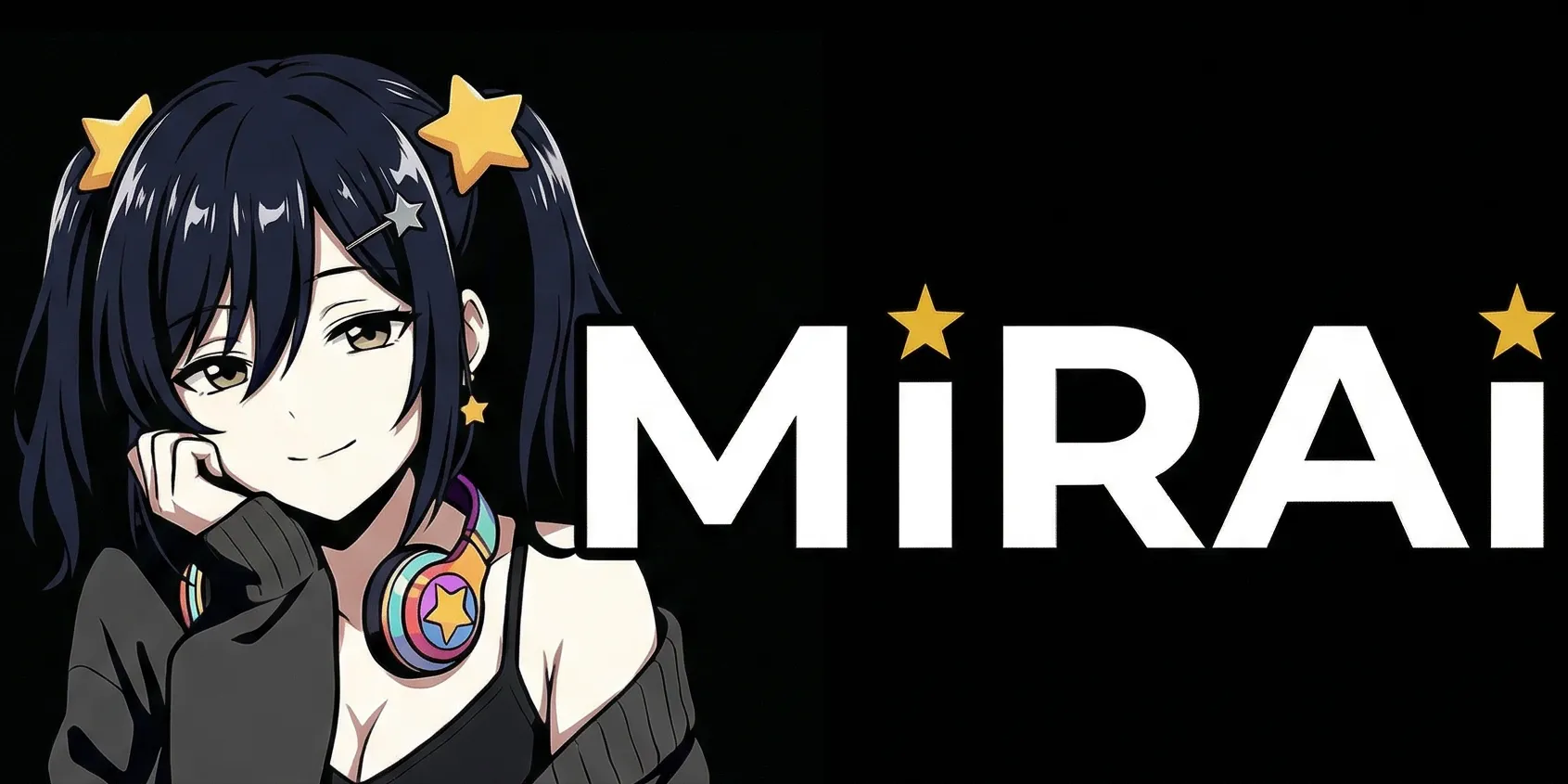
AI character "Mirai" — your personal AR radio station



AI Character "Mirai"
Mirai is your personal AI character. From news commentary to real-time translation and casual chat, she supports your daily life through AR glasses.
- Explains news and topics in an easy-to-understand way
- Real-time search for accurate information
- Understands context for natural responses
- Hands-free support for your daily life









AI
5Auto Radio
Mirai delivers the latest news and topics
- ▸Top pick! Perfect for commutes or working
- ▸Hands-free! Switches automatically like radio
- ▸Real-time search brings you the latest topics
- ▸Change playback speed in Settings
Foresight
Mirai proactively shows info based on conversations
- ▸Picks up nearby conversation via the mic on your glasses
- ▸Real-time search for accurate information
- ▸Great for meetings and discussions
- ▸Mirai stays quiet when not needed
Call Mirai
Chat with Mirai through the mic on your glasses
- ▸Talk to Mirai and she responds
- ▸Completely hands-free
- ▸A chat buddy while multitasking
Ask Mirai
Ask Mirai questions by typing on your phone
- ▸Use the input footer on your phone to send a question
- ▸Mirai searches in real-time and answers
- ▸The answer also shows on your glasses
- ▸Ask Mirai even when you can't speak out loud
Translate
Real-time translation of nearby conversations
- ▸The mic on your glasses picks up conversations and auto-translates
- ▸Shows translation plus 3 suggested replies
- ▸Auto-detects English ⇔ Japanese
- ▸Hands-free support for face-to-face conversations
Info
2News
Mirai curates world news with her own commentary
- ▸Scroll to switch between articles
- ▸Long articles split into pages — scroll to navigate
- ▸Tap for auto-play! Reads through automatically
- ▸★ shows importance (★/★★/★★★)
- ▸Unread articles are marked with *
- ▸Read original articles from your phone
Weather
Check up to 7 days of weather and temperature
- ▸Start by choosing your city in Settings
- ▸Once set, a weather icon appears on your home screen
- ▸Fine-tune your city from your phone too
Entertainment
4Games
Othello, runner, and breakout to play
- ▸Othello: Play against Mirai
- ▸Mirai Runner!: Tap to jump! Dodge the obstacles
- ▸Breakout: Scroll to move the paddle
Quiz
Take on 3-choice quizzes
- ▸Scroll to pick, tap to answer
- ▸Mirai explains the correct answer
- ▸Even more fun with friends
Trivia
Fun facts, psychology, history, science and more
- ▸A random theme is picked for you to explore
- ▸Guide the conversation with choices
- ▸Perfect for conversation starters
Musings
No theme needed — just hang out with Mirai
- ▸Relax and enjoy time together
- ▸You might discover a new side of Mirai
Tools
1Tools
Timer, counter, dice and more handy tools
- ▸Hourglass Timer: Set time for countdown
- ▸Counter: Tap for +1, scroll down for -1
- ▸Dice: Tap to roll! Scroll to change count
- ▸Stopwatch: Tap to start/stop
- ▸World Clock: View times around the world
- ▸Timer etc. — scroll to adjust screen position
Phone Companion
Even G2 connects to your glasses via a smartphone app. Mirai's AR Radio runs on your phone and projects its display onto your glasses.
- Ask Mirai (text input)
- Open original news articles
- Set weather city
- Change settings and view guide
- Reset read status
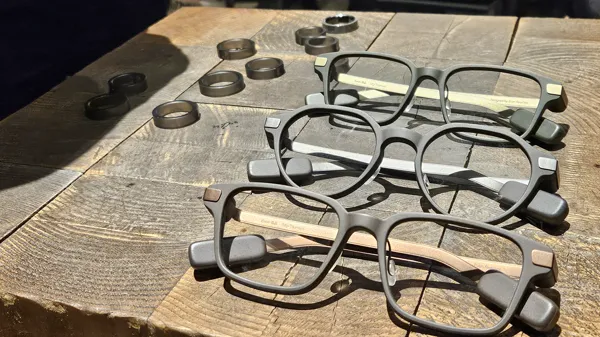
Built for Even G2 Smart Glasses
"Mirai's AR Radio" is a dedicated app for Even G2 smart glasses and the Even Ring. Lightweight and stylish AR glasses with AI character "Mirai" delivering information and entertainment.
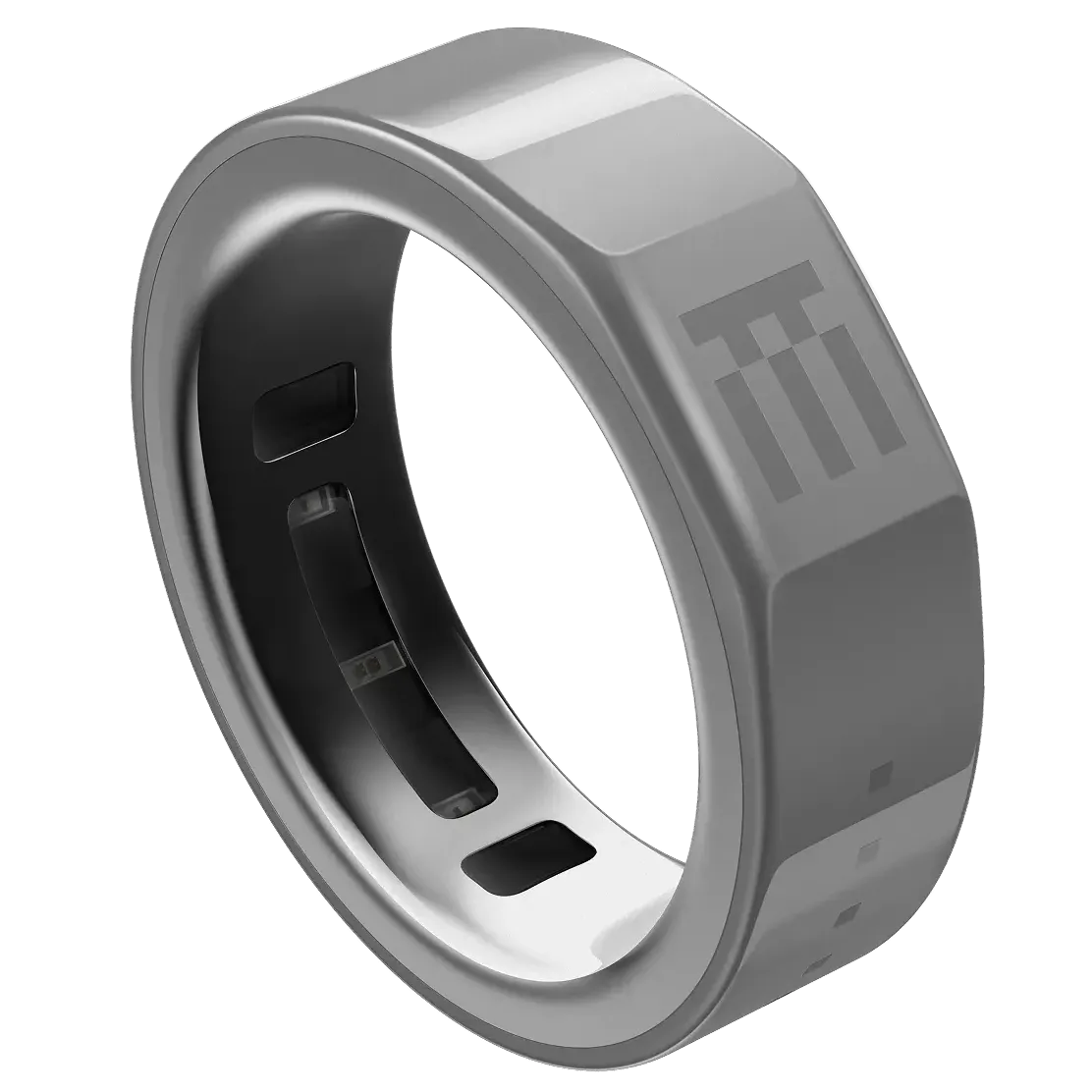
Ring Controller
Control every feature with just tap and scroll on your Even Ring